AI Home Office Renderer
Photorealistic home office
renders in about a minute
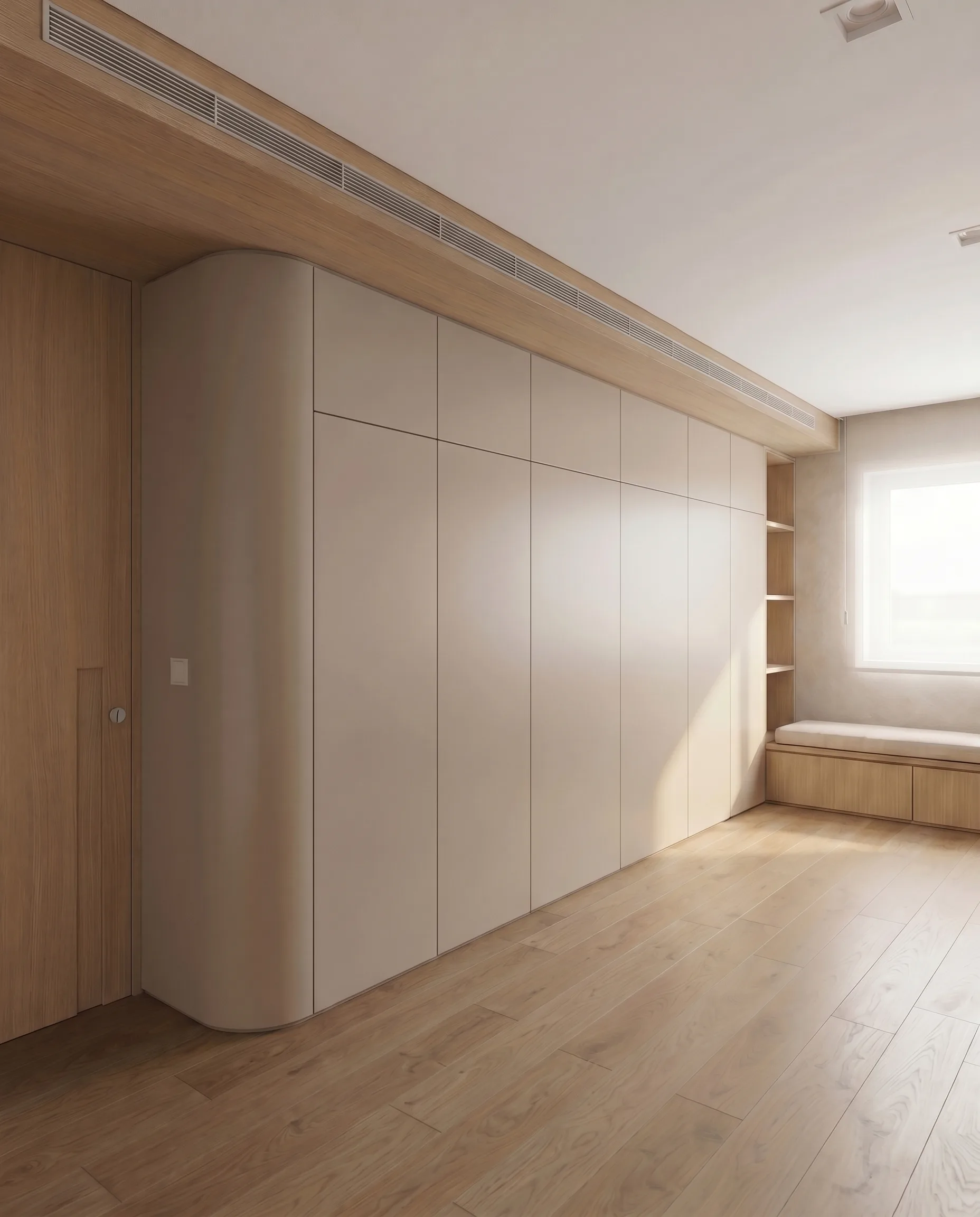
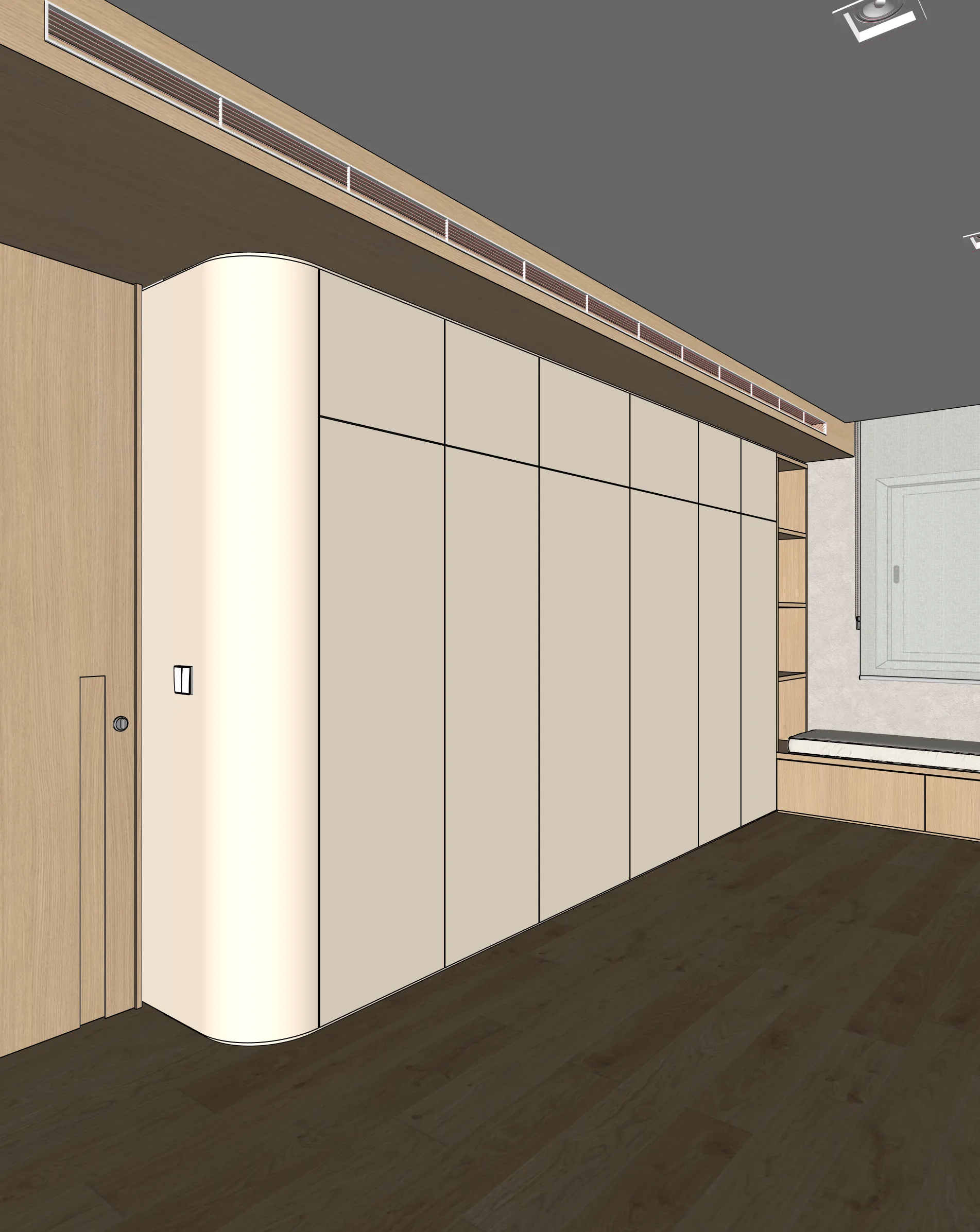
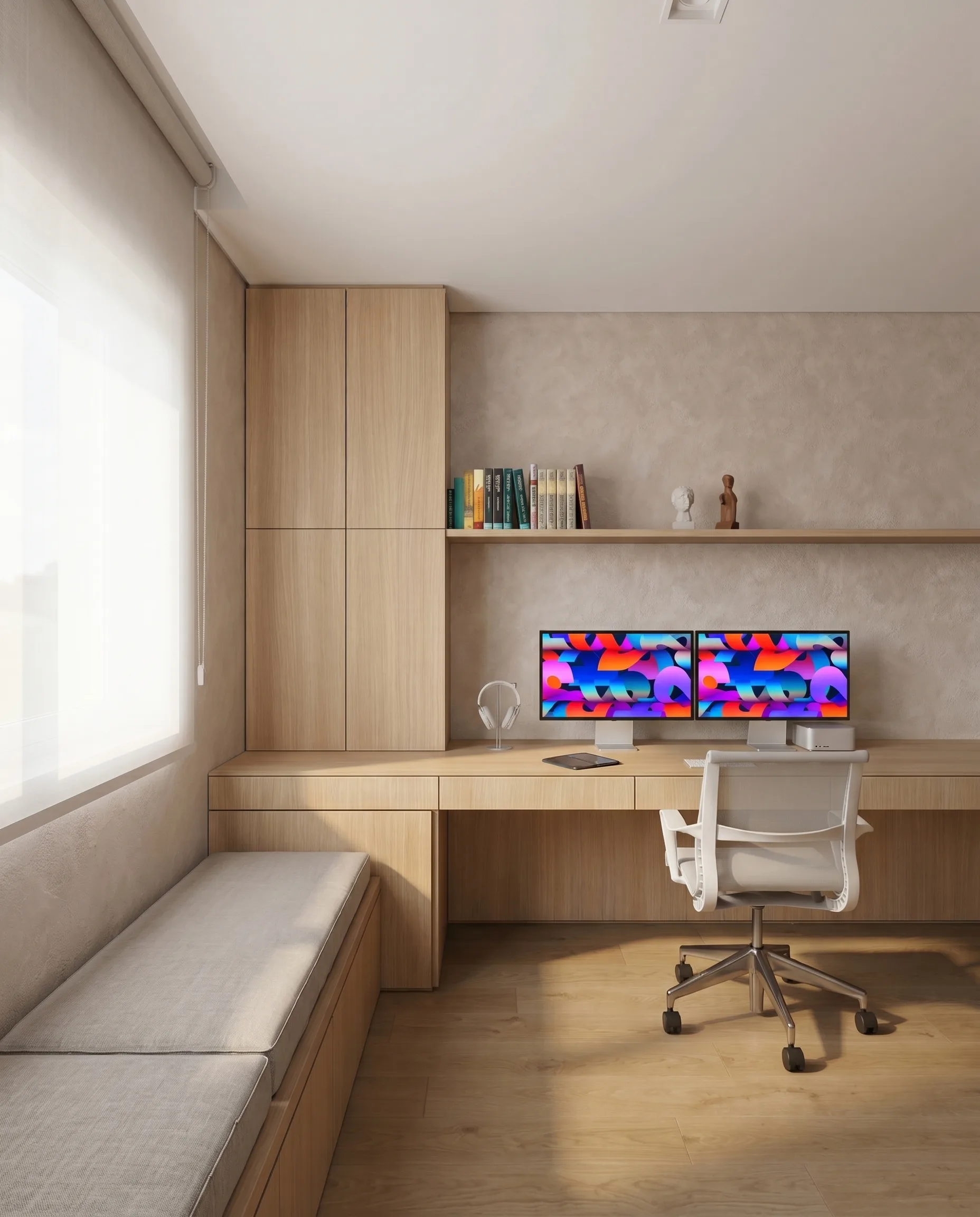
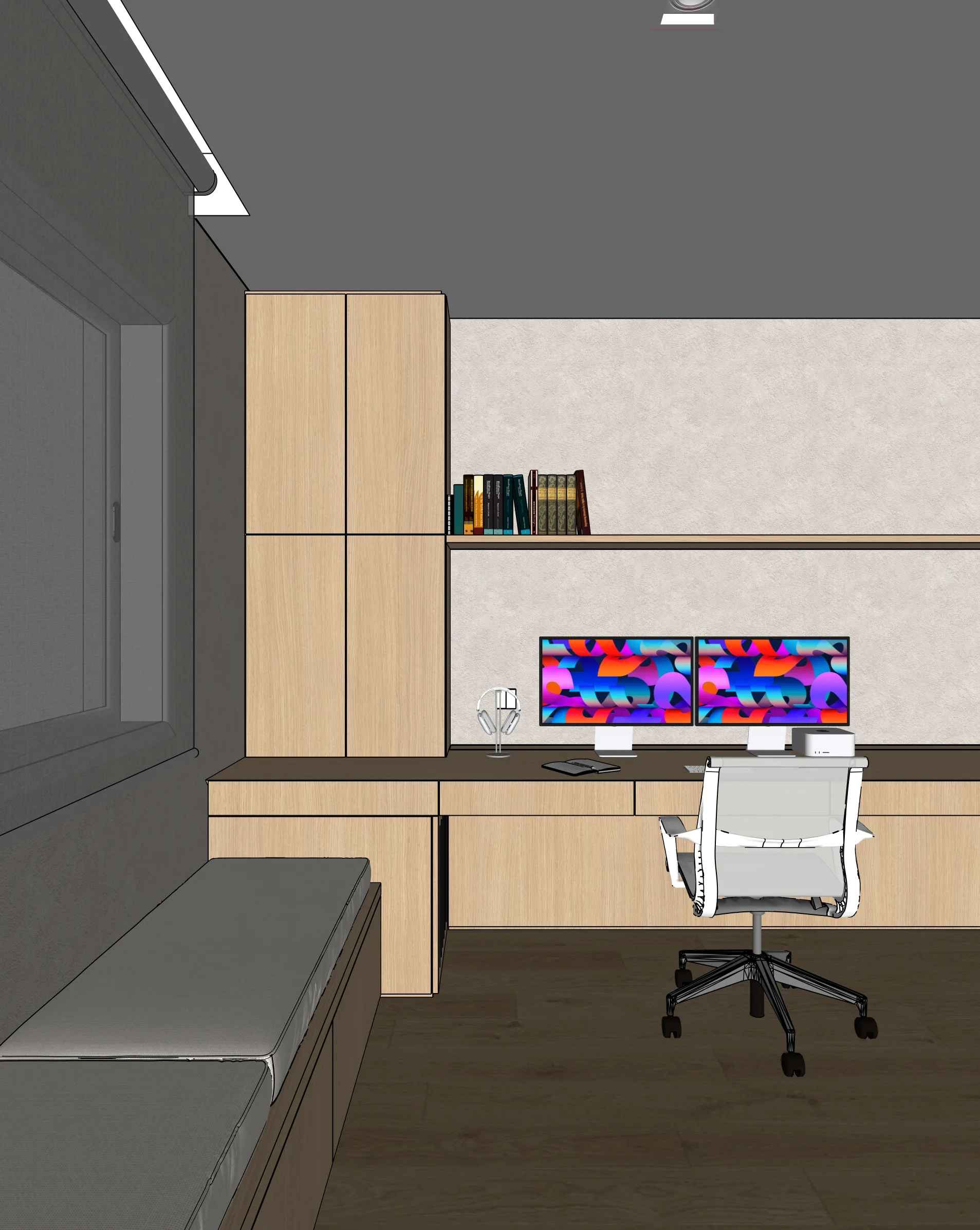
Turn a SketchUp home office or workspace into a photoreal render. Workstations, storage walls, lighting — all controllable.
Examples
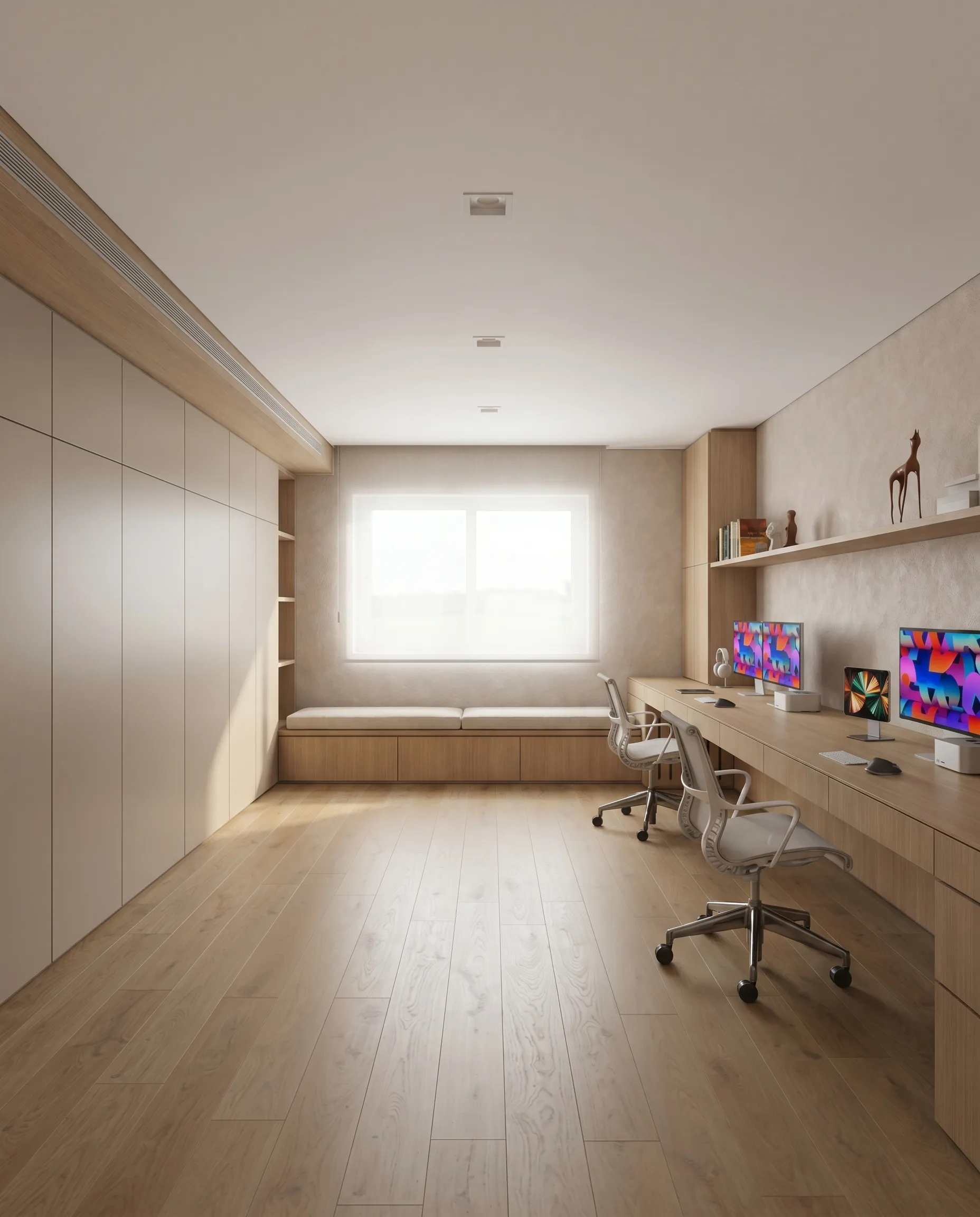
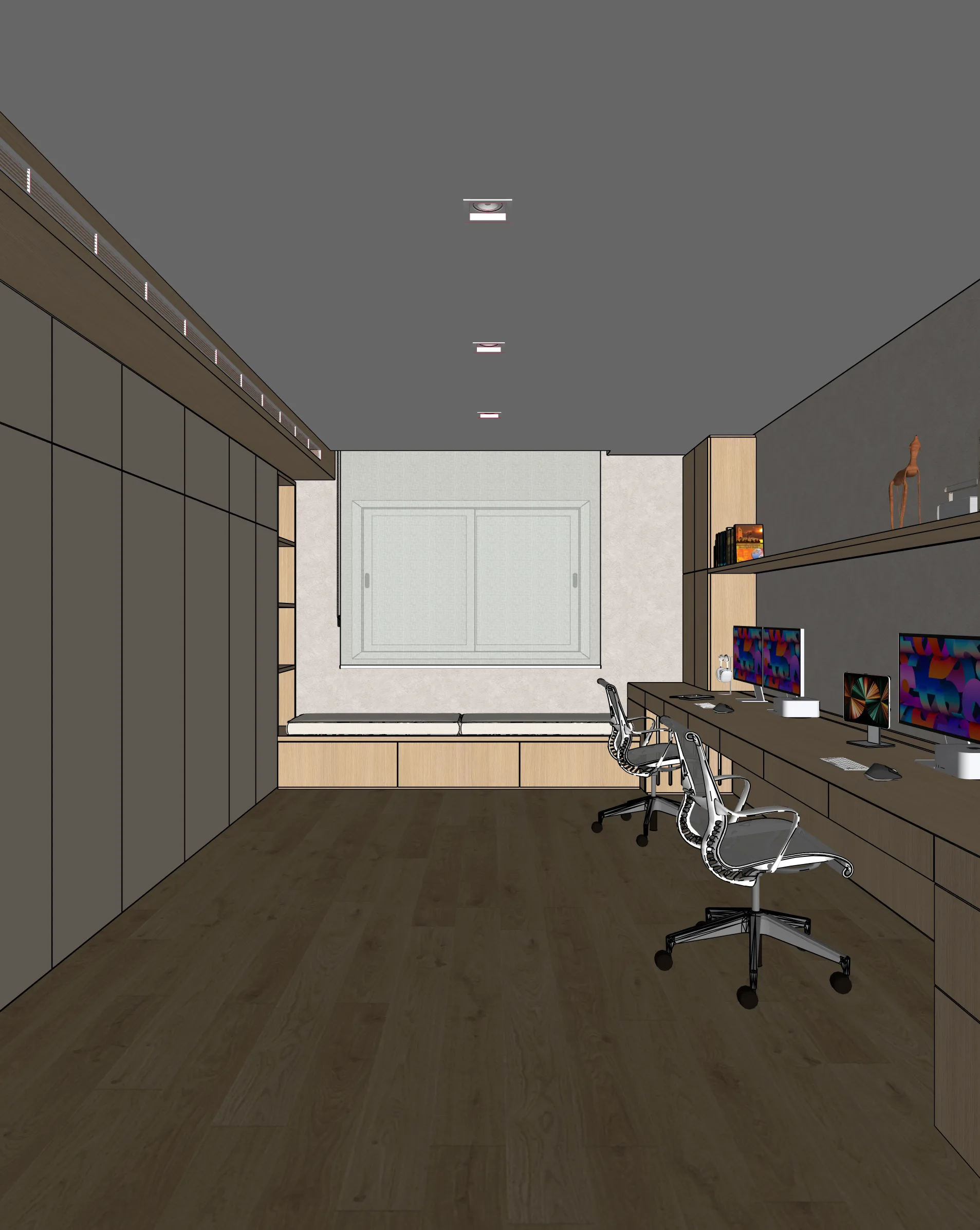
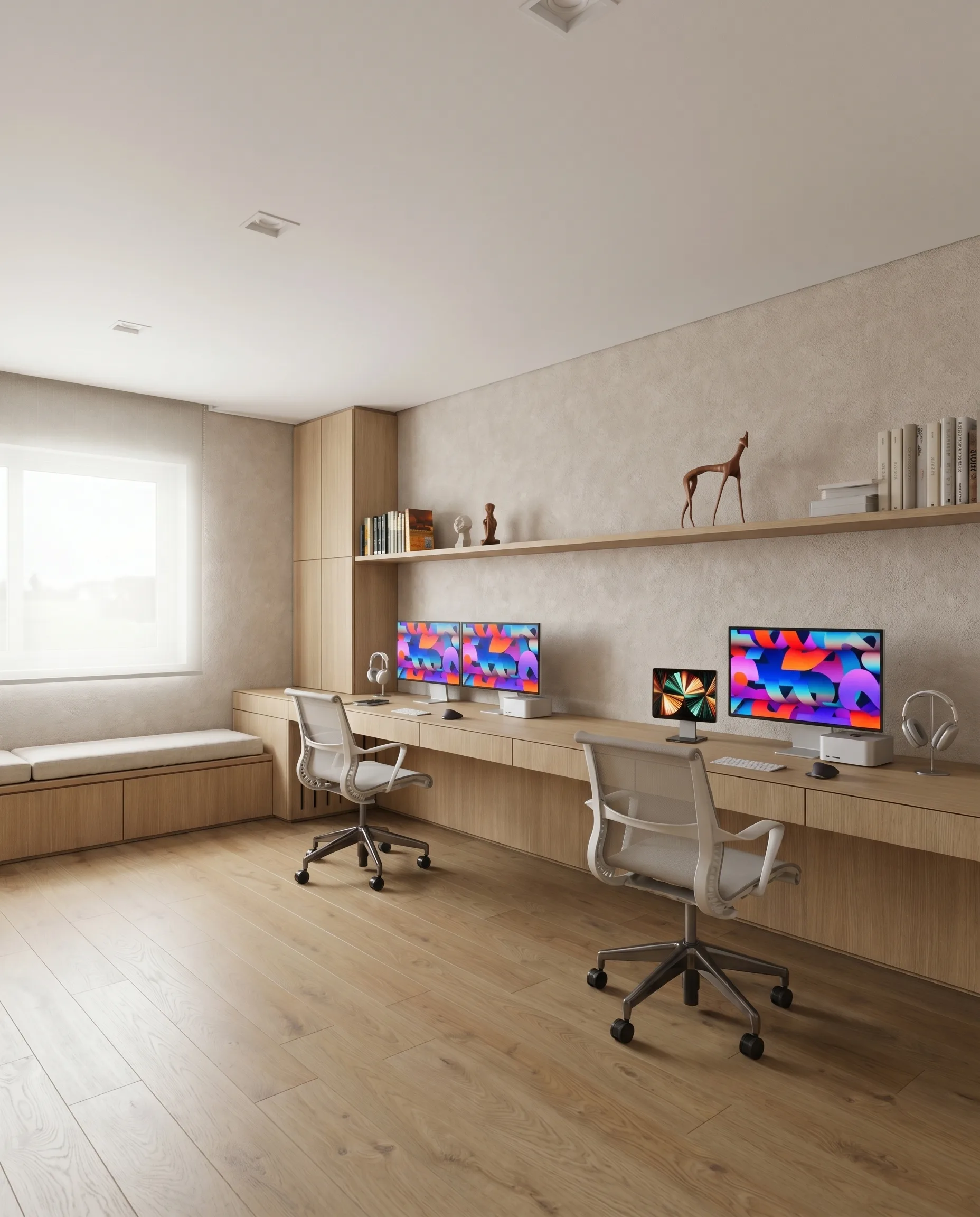
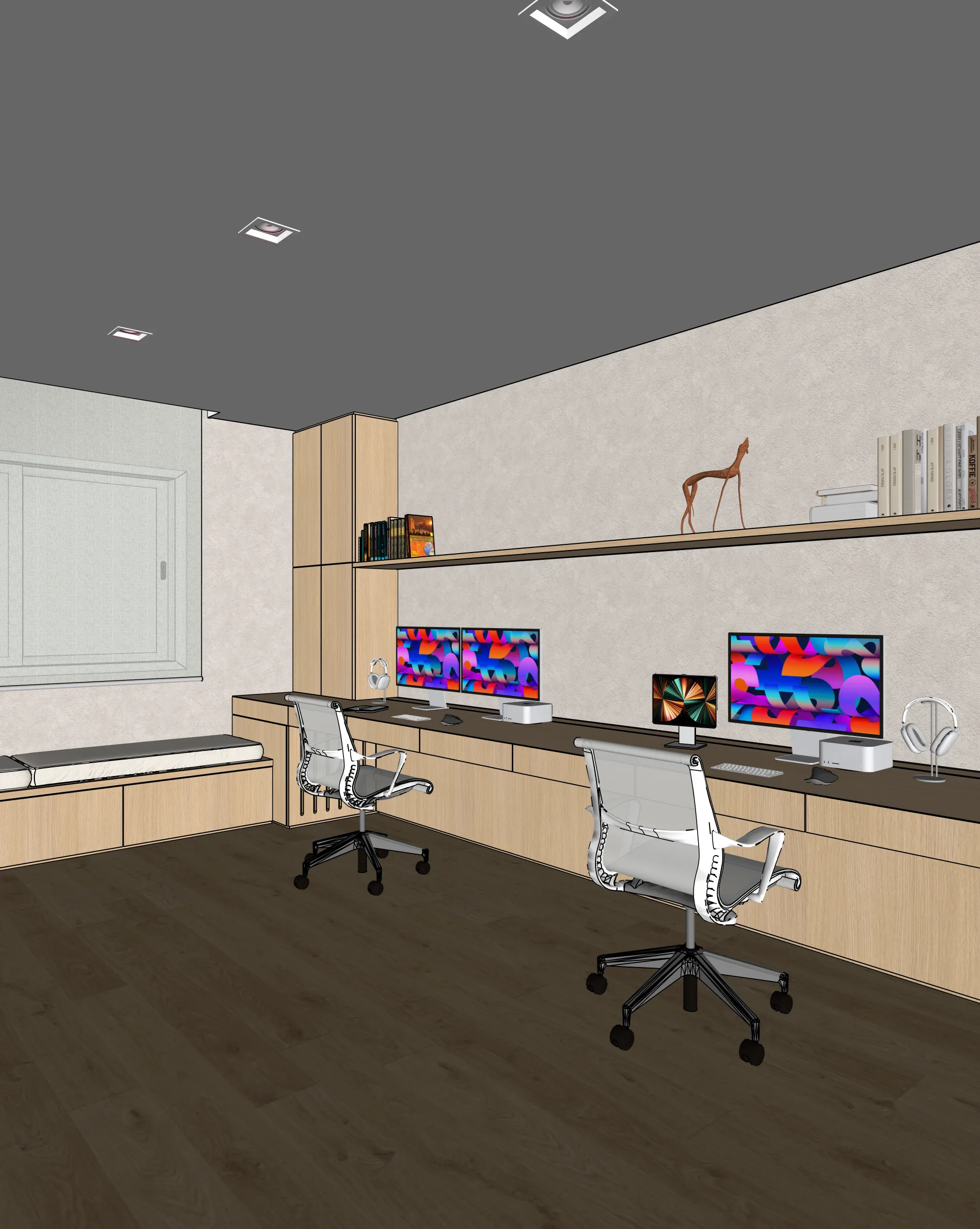
Home offices from real SketchUp models
How it works
Three steps from SketchUp to photoreal
Capture your view
Set up the view in SketchUp (or any 3D tool). Export a PNG or JPG of your viewport.
Upload to Maquete
Drop the image in the browser. Pick a lighting preset, time of day, and any material tweaks.
Render in seconds
Maquete returns a photorealistic render in about a minute. Iterate on materials, lighting, or finishes without re-rendering the model.
FAQ
Home office rendering, answered
Can I render built-in joinery and shelving?+
Yes. Built-in cabinetry and shelving render well because Maquete reads the geometry directly. Describe the timber finish or paint colour in the material prompt for accurate output.
Will books, cables, and tech clutter render naturally?+
Items in the model render as-is. For added realism — books on shelves, plants, monitors — use Enhance mode to layer props onto the base render.
Can I render small or awkward workspaces?+
Yes. Maquete handles tight spaces, corner desks, and converted-room layouts well because it works from your viewport rather than imposing a layout.
Render your first home office
Start a 7-day free trial and try Maquete on a real project.