AI Cabin Renderer
Photorealistic cabin
renders in about a minute
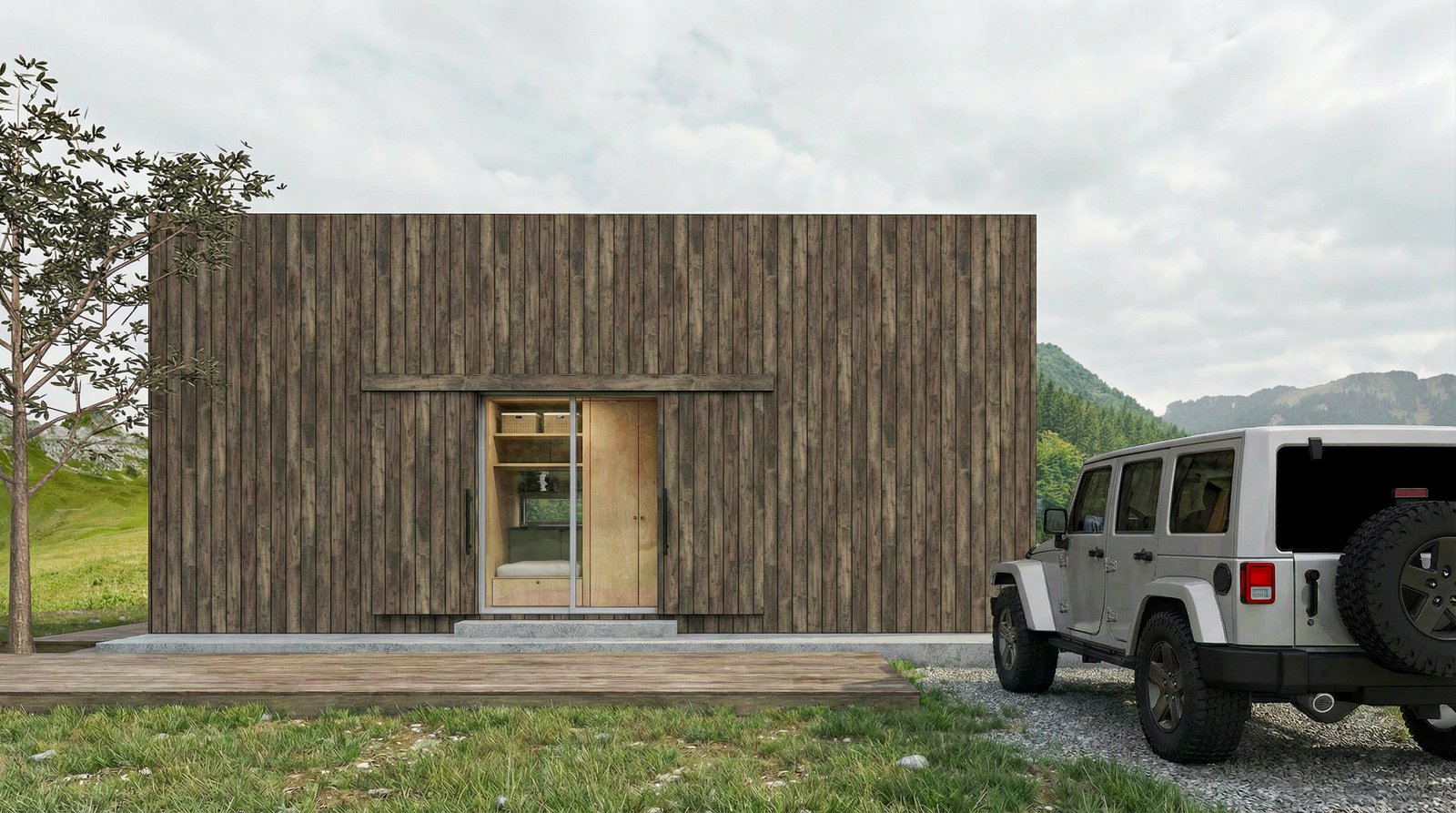
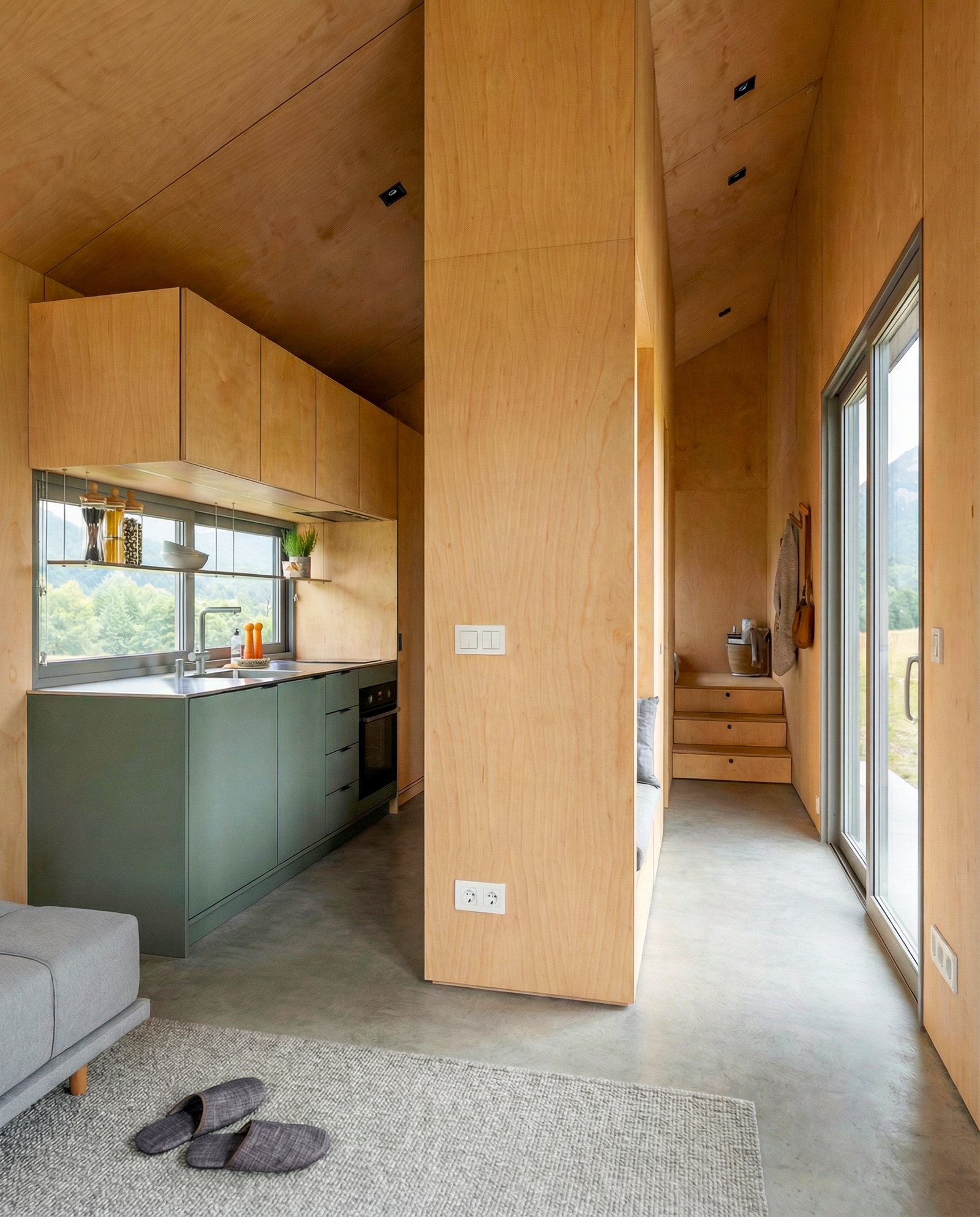
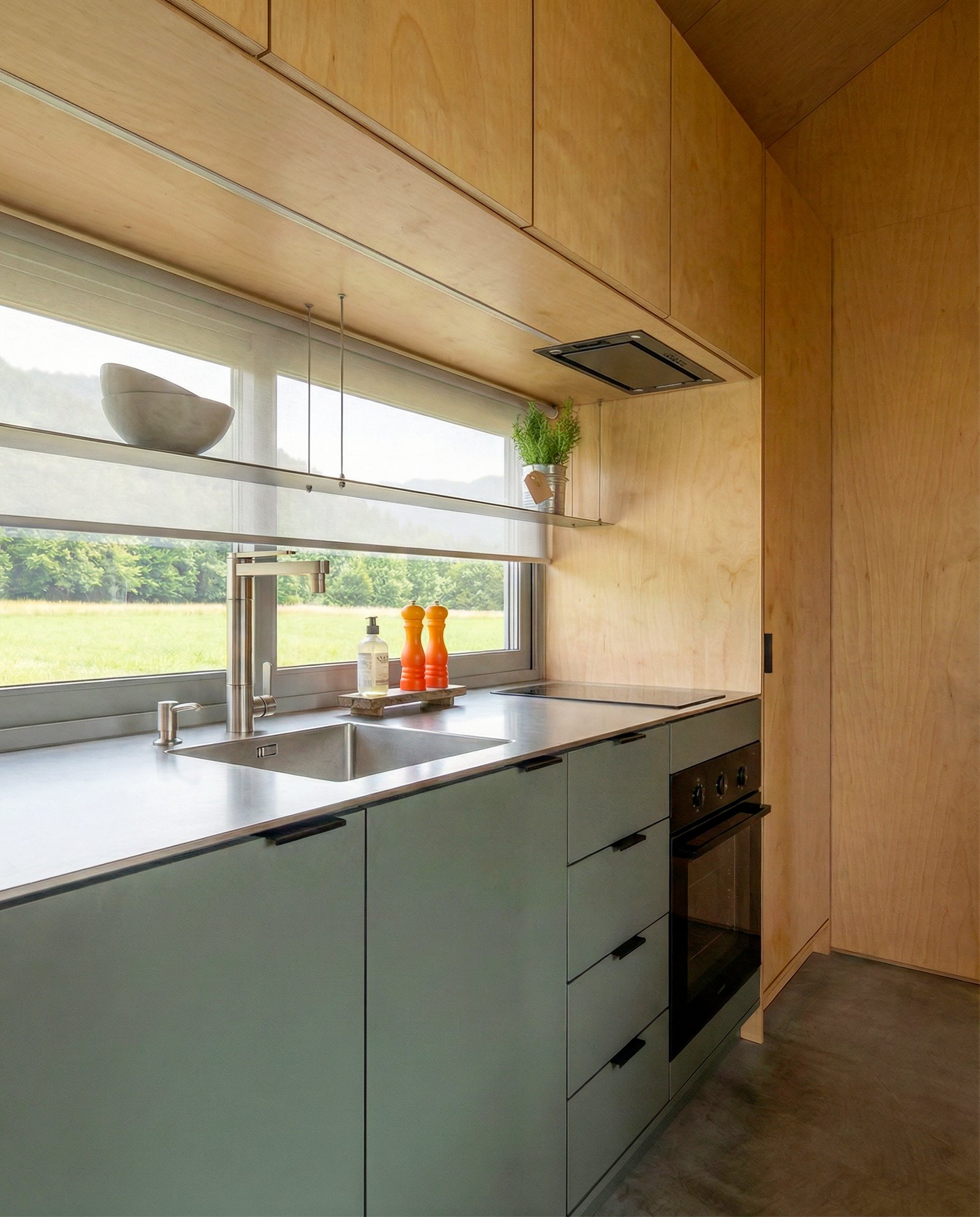
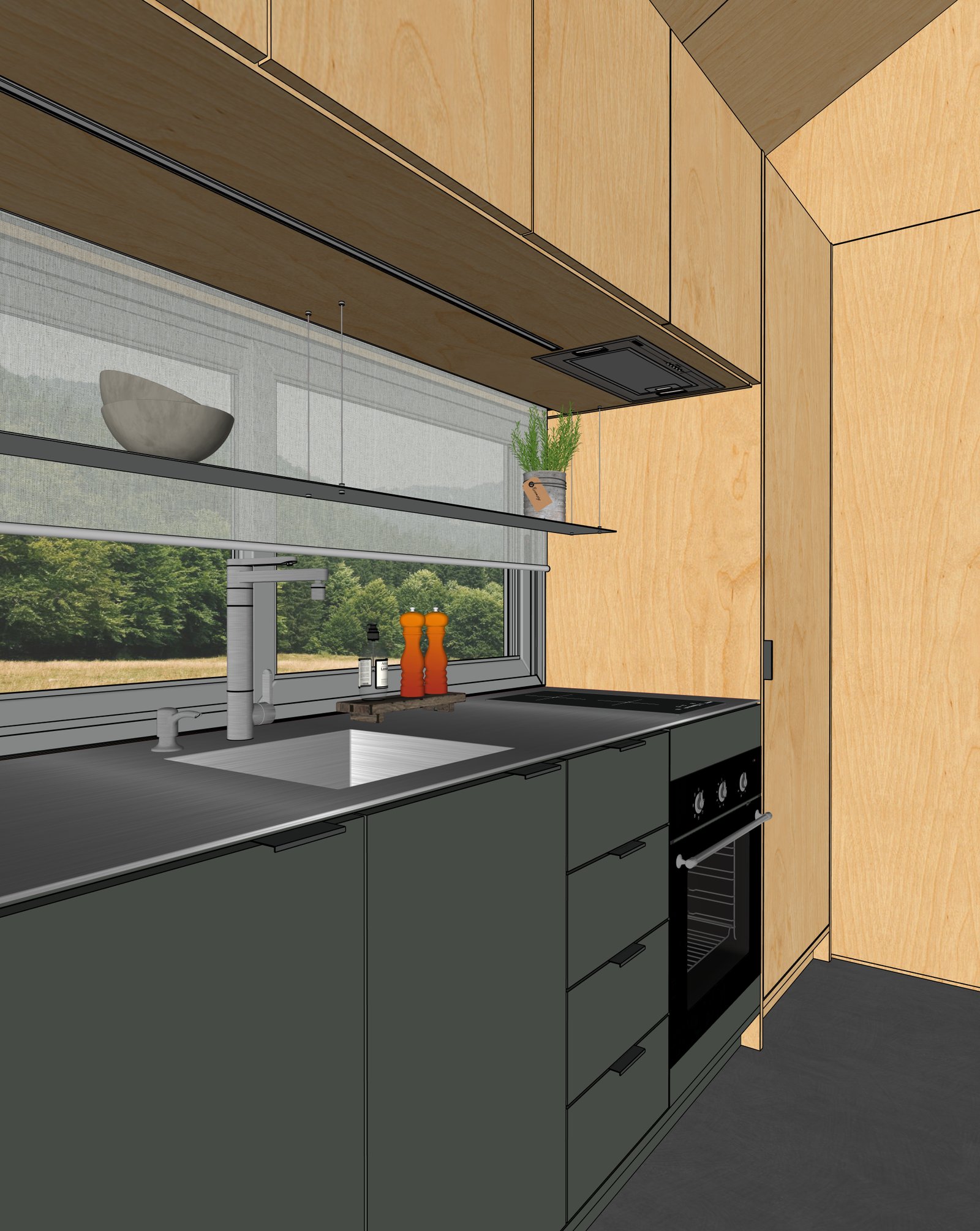
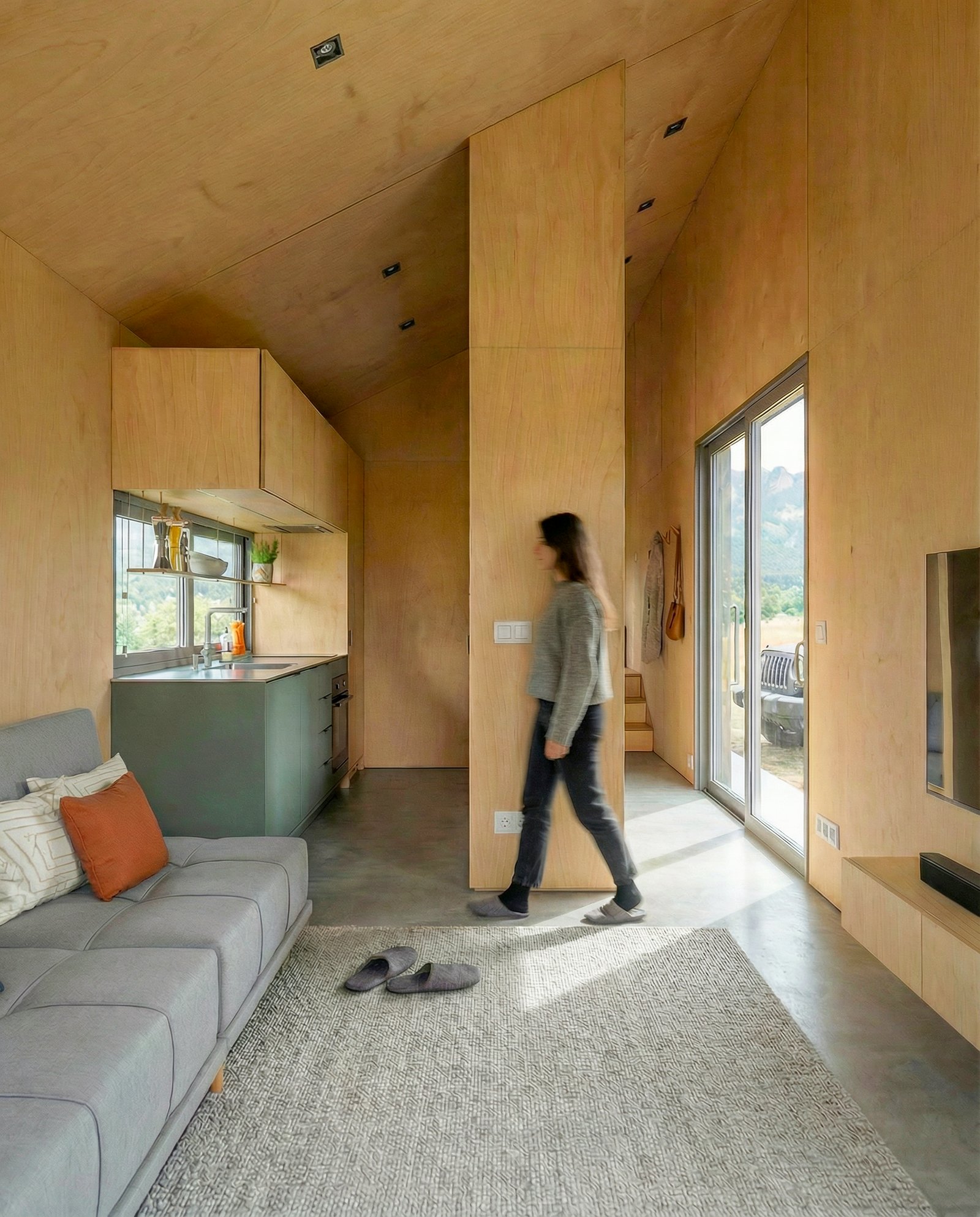
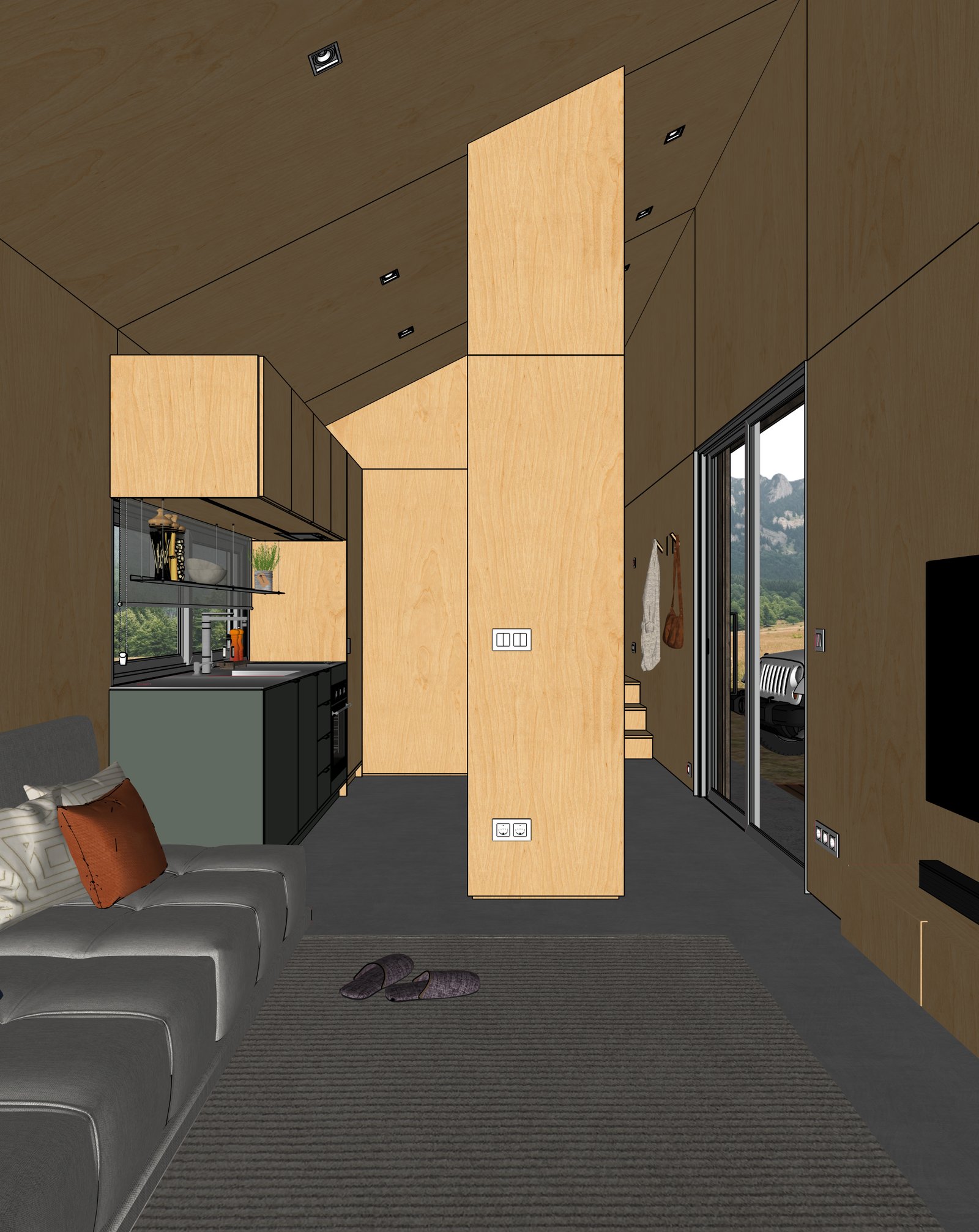
Turn a SketchUp cabin model into photoreal interior and exterior renders. Mountain settings, warm interiors, natural light — geometry preserved.
Examples
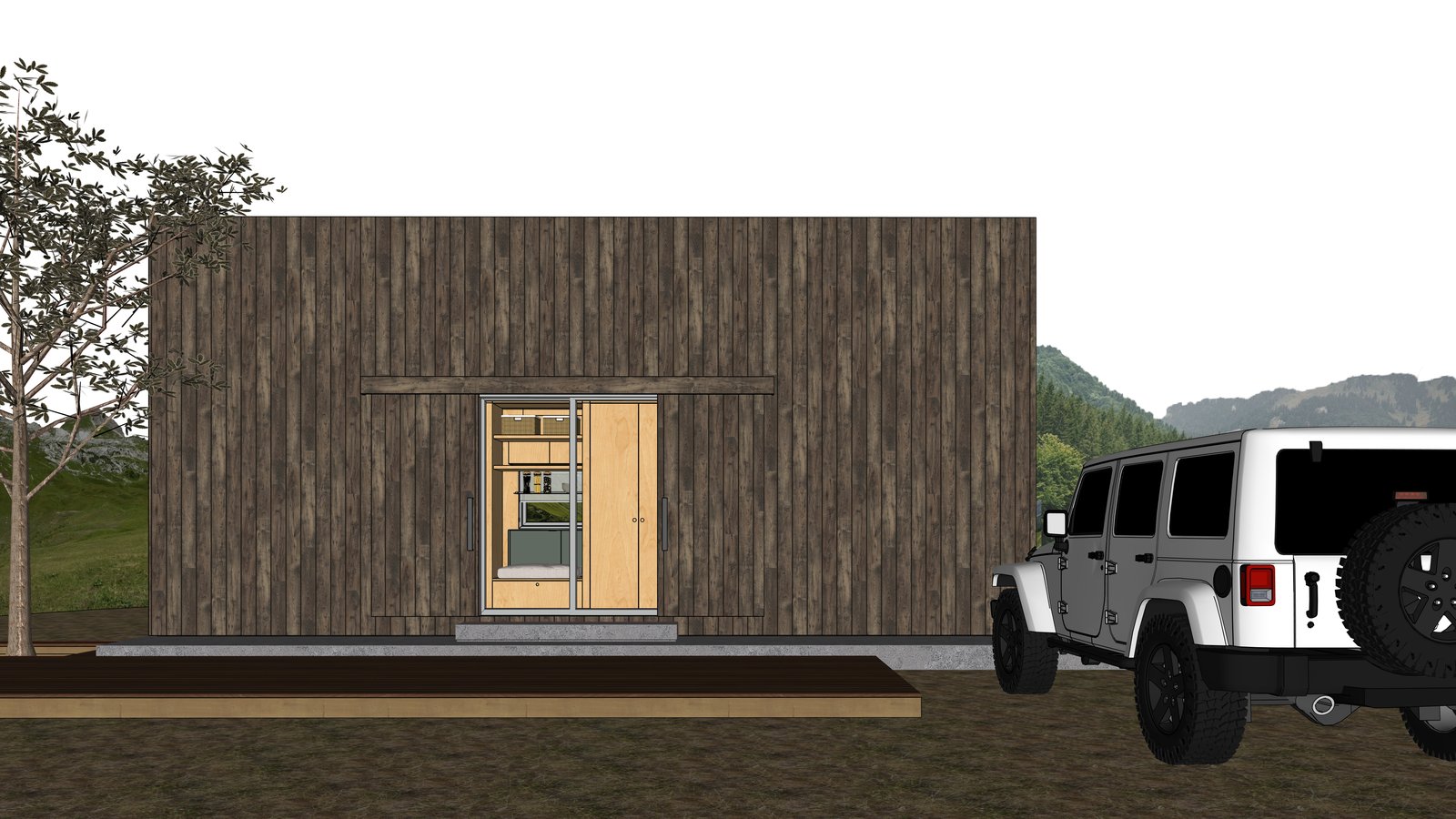
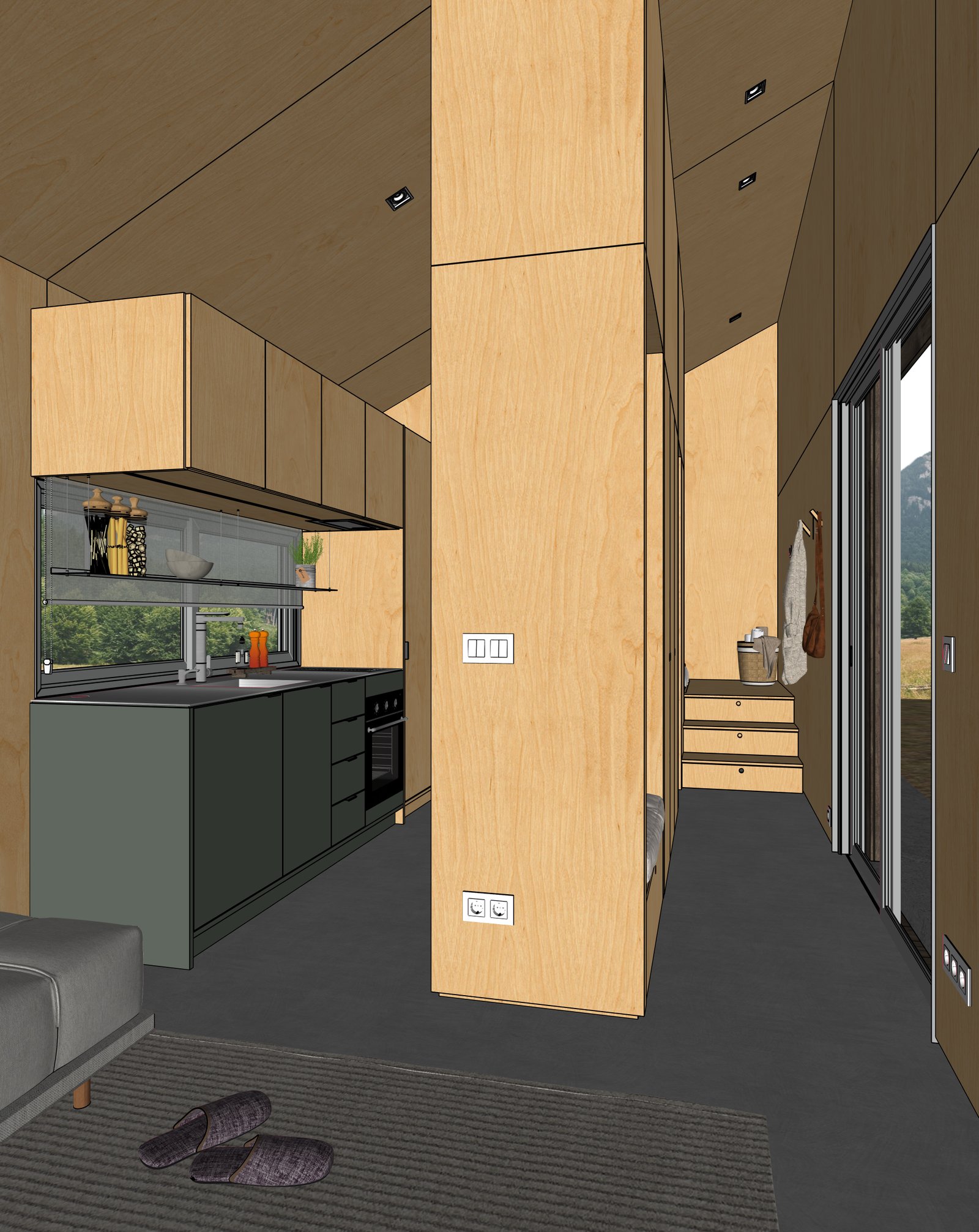
Cabins from real SketchUp models
How it works
Three steps from SketchUp to photoreal
Capture your view
Set up the view in SketchUp (or any 3D tool). Export a PNG or JPG of your viewport.
Upload to Maquete
Drop the image in the browser. Pick a lighting preset, time of day, and any material tweaks.
Render in seconds
Maquete returns a photorealistic render in about a minute. Iterate on materials, lighting, or finishes without re-rendering the model.
FAQ
Cabin rendering, answered
Can I render the exterior with a specific landscape?+
Yes. Use Maquete's exterior guided mode to control vegetation, terrain, and sky — mountain backdrop, forest, lakeside, snow. Each is a preset, not a prompt-engineering exercise.
Will timber and stone read realistically?+
Yes. Natural materials are where AI rendering shines — Maquete handles bark texture, log joinery, stone walls, and weathered timber convincingly without needing a PBR library.
Can I render both interior and exterior from one model?+
Yes. Capture multiple viewports from your SketchUp model — exterior elevations, interior rooms — and render each separately. They share the same geometry so design continuity holds.
Render your first cabin
Start a 7-day free trial and try Maquete on a real project.